Arduino Bluetooth Remote Control
Output taken from Ardiuno 2 & 4 pins, Bluetooth device connected at 6 & 7 pins
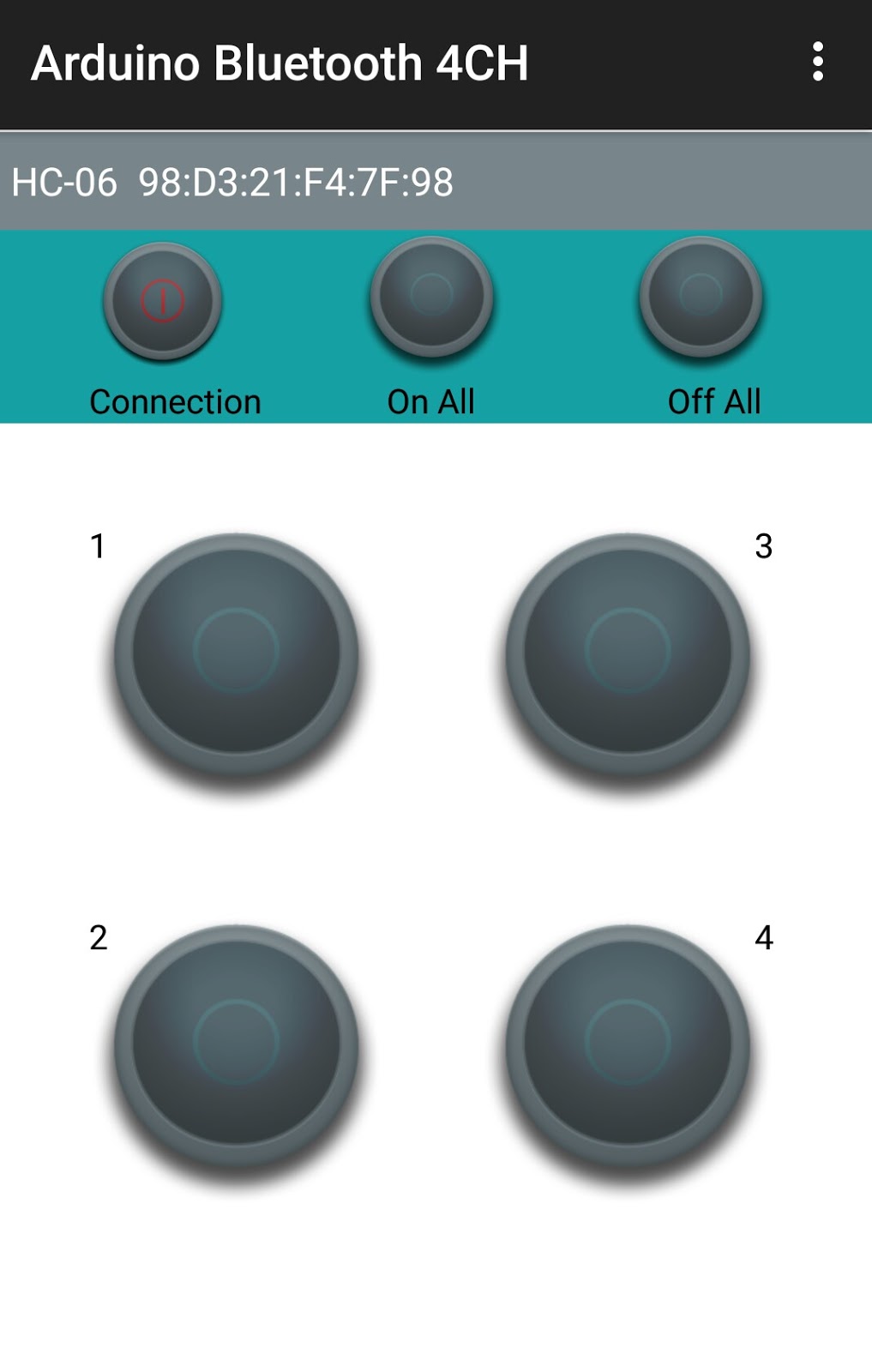

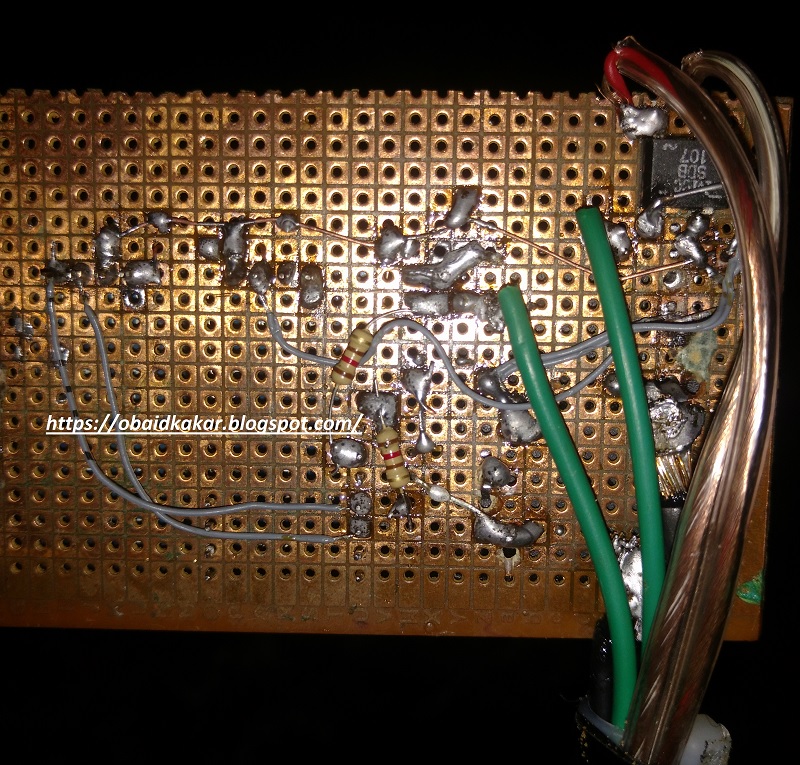
KIT: 3,000 PKR
#include
SoftwareSerial mySerial(7, 6);
#define relay1 2
#define relay2 3
#define relay3 4
#define relay4 5
char val;
void setup() {
pinMode(relay1,OUTPUT);
pinMode(relay2,OUTPUT);
pinMode(relay3,OUTPUT);
pinMode(relay4,OUTPUT);
digitalWrite(relay1,LOW);
digitalWrite(relay2,LOW);
digitalWrite(relay3,LOW);
digitalWrite(relay4,LOW);
mySerial.begin(9600);
Serial.begin(9600);
}
void loop() {
//cek data serial from bluetooth android App
while ( mySerial.available() >0 ) {
val = mySerial.read();
Serial.println(val);
}
//Relay is on
if( val == ‘1’ ) {
digitalWrite(relay1,HIGH); }
else if( val == ‘2’ ) {
digitalWrite(relay2,HIGH); }
else if( val == ‘3’ ) {
digitalWrite(relay3,HIGH); }
else if( val == ‘4’ ) {
digitalWrite(relay4,HIGH); }
//relay all on
else if( val == ‘9’ ) {
digitalWrite(relay1,HIGH);
digitalWrite(relay2,HIGH);
digitalWrite(relay3,HIGH);
digitalWrite(relay4,HIGH);
}
//relay is off
else if( val == ‘A’ ) {
digitalWrite(relay1,LOW); }
else if( val == ‘B’ ) {
digitalWrite(relay2,LOW); }
else if( val == ‘C’ ) {
digitalWrite(relay3,LOW); }
else if( val == ‘D’ ) {
digitalWrite(relay4,LOW); }
//relay all off
else if( val == ‘I’ ) {
digitalWrite(relay1,LOW);
digitalWrite(relay2,LOW);
digitalWrite(relay3,LOW);
digitalWrite(relay4,LOW);
}
}
 KSF Electronics
If you had financial problems, then it is time for you to smile. You only need to contact Mr. Benjamin with the amount you wish to borrow at the low rate of 2% ROI and the payment period that suits you and you will have your loan within three working days. I just benefited for the sixth time a loan of 700 thousand dollars for a period of 180 months with the possibility of paying before the expiration date. Mr Benjamin has been helping me with the loan.Make contact with him and you will see that he is a very honest man with a good heart.His email is 247officedept@gmail.com and his WhatApp phone number is + 1-989-394-3740 .
LikeLike